
Victor Cheeney
Triathlete & Founder of Live Video Feedback
Why a Large Live View Helps With Exercise Video Framing
A phone is a useful camera, but its screen is usually impossible to see once the phone is positioned across the room. That creates a simple recording problem: you do not know whether the requested movement is in frame until after the take.
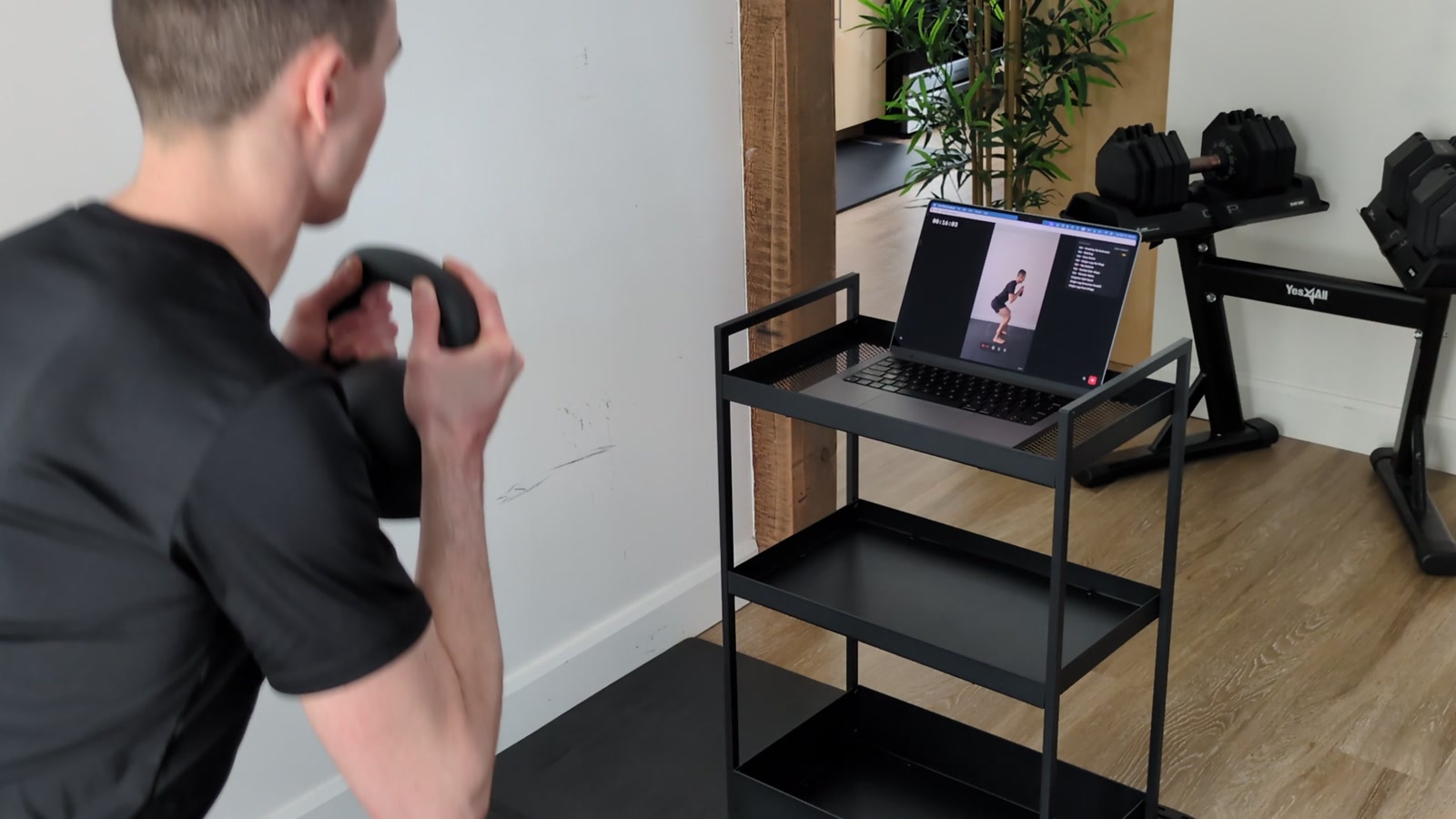
The live view answers a framing question
A larger screen can show whether the phone is level, whether the full requested area is visible, and whether you are standing in the expected place. That can prevent a take that is unusable simply because the camera was pointed incorrectly.
It does not tell you whether a movement is correct. Only the practitioner directing the work should decide the requested angle and interpret what the clip shows.
Scan before positioning the phone
With Live Video Feedback, open the Mac app and scan the QR code while the phone is still in your hand. Allow camera access, choose the camera, and confirm that the live image appears on the Mac. Only then position the phone while watching the larger view.
Keep the setup stable and private
Use a stable support and enough light for the requested area to be visible. Check the background for other people, private documents, or anything you do not intend to record. Ask your practitioner which orientation and angle they need instead of relying on generic camera advice.
Review before sharing
The live view helps with setup, while the recording provides a clip that can be reviewed. Watch the take locally, trim only if useful, name it in a way that makes sense to you, and export it through the channel agreed with your practitioner.
LVF keeps recordings, filenames, and exercise names on the Mac unless you choose to export them. It does not upload recordings to LVF cloud storage or make a clinical assessment from the live image.